Physical Computing

Weekly Activity Template

Grey Gwozdz


Module 1


Activity Research

A first attempt at Seeing how the Audino Works

Activity 1
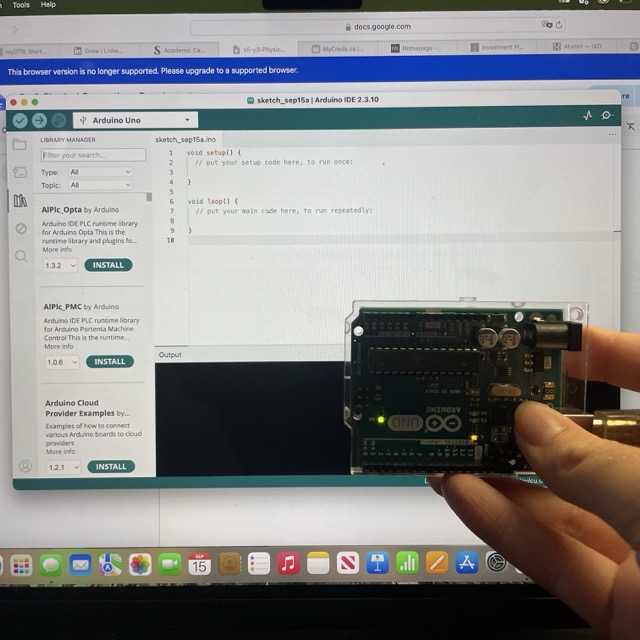
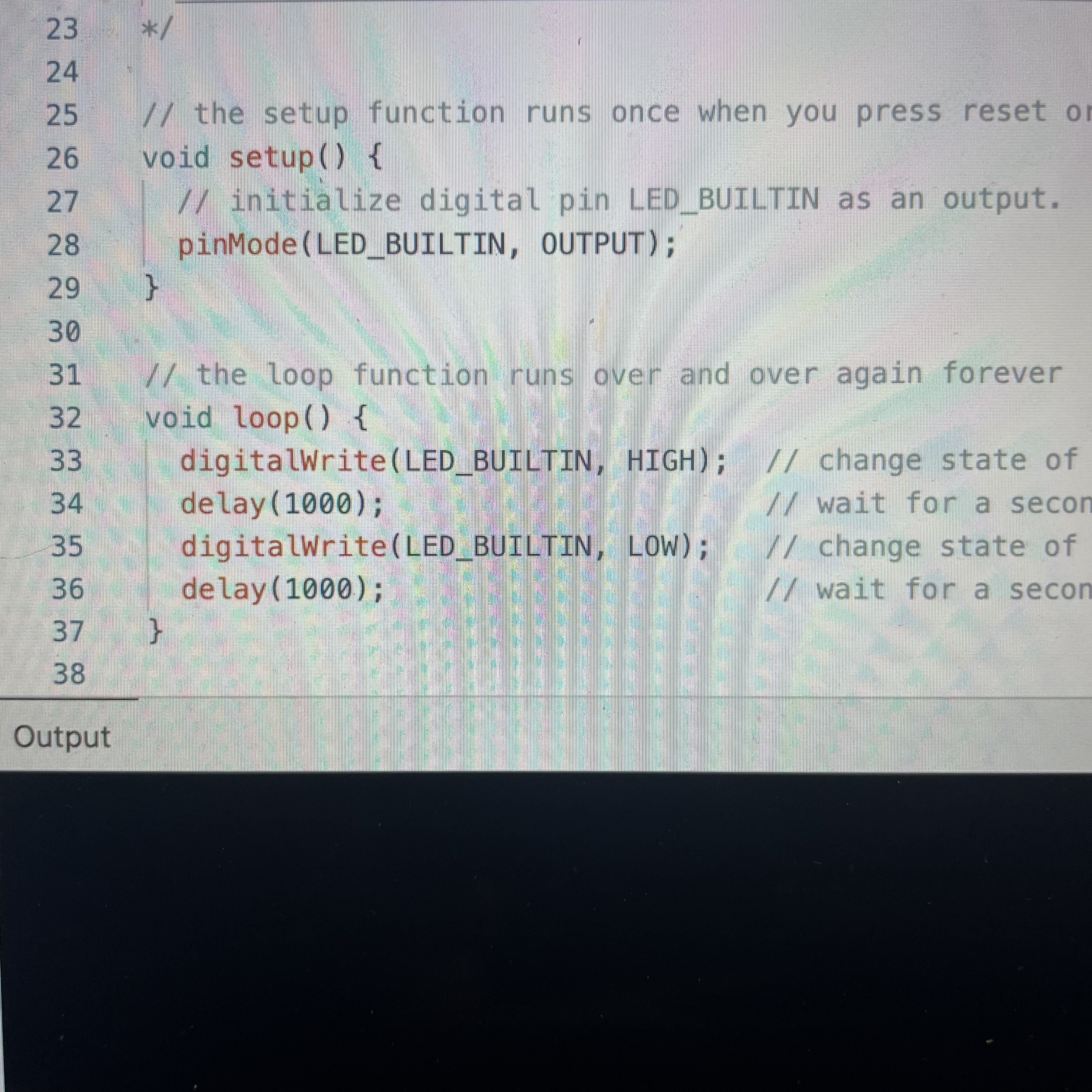
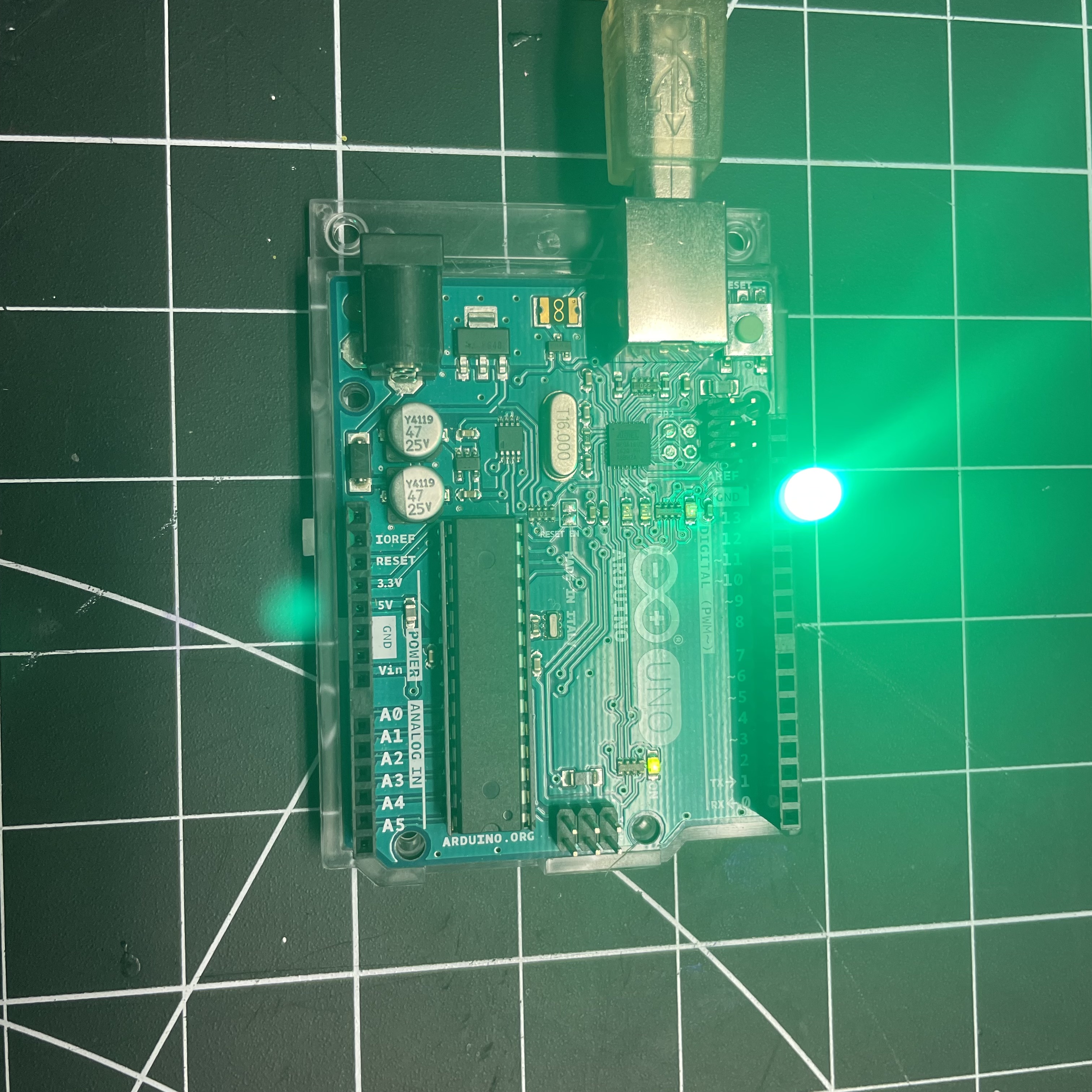
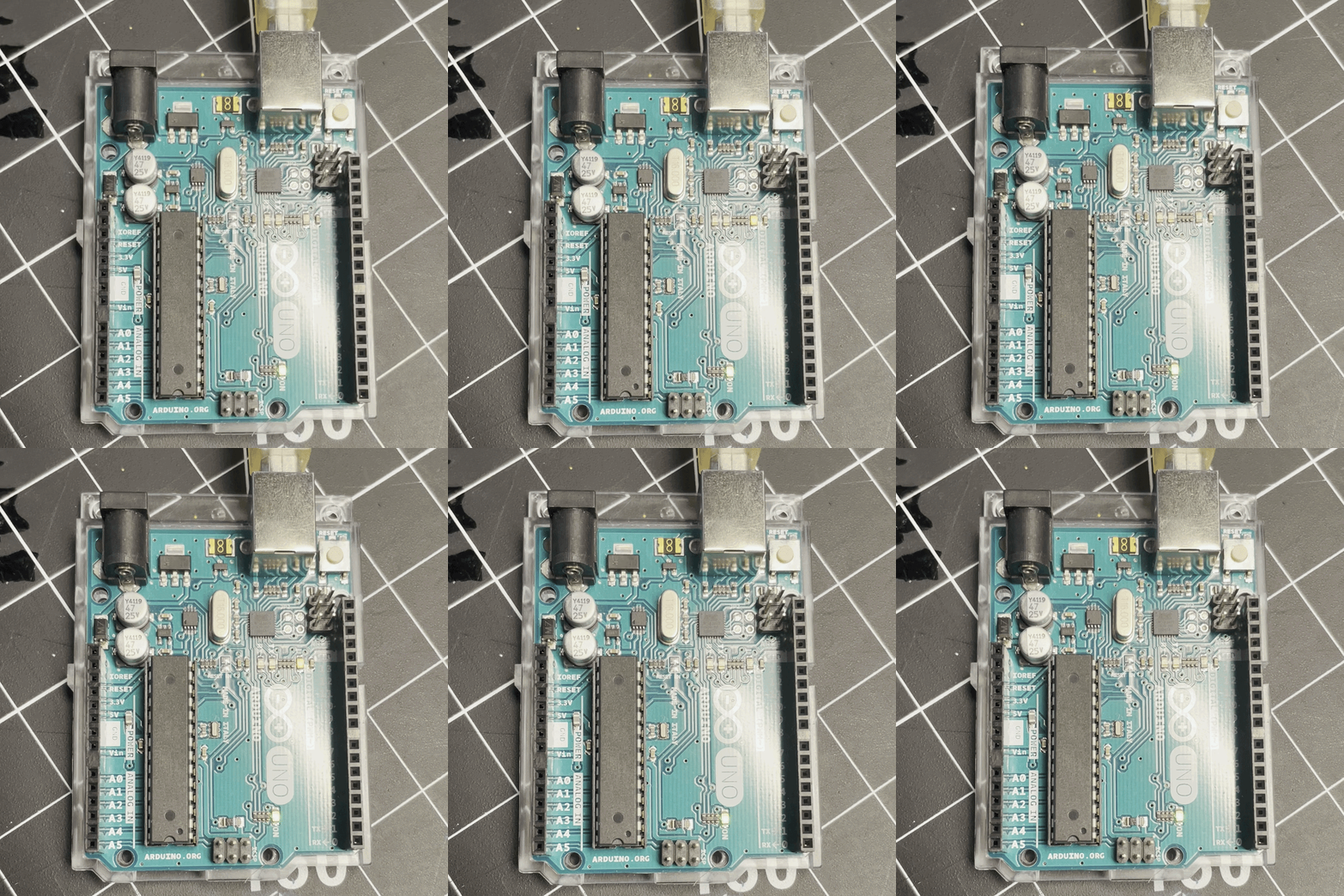
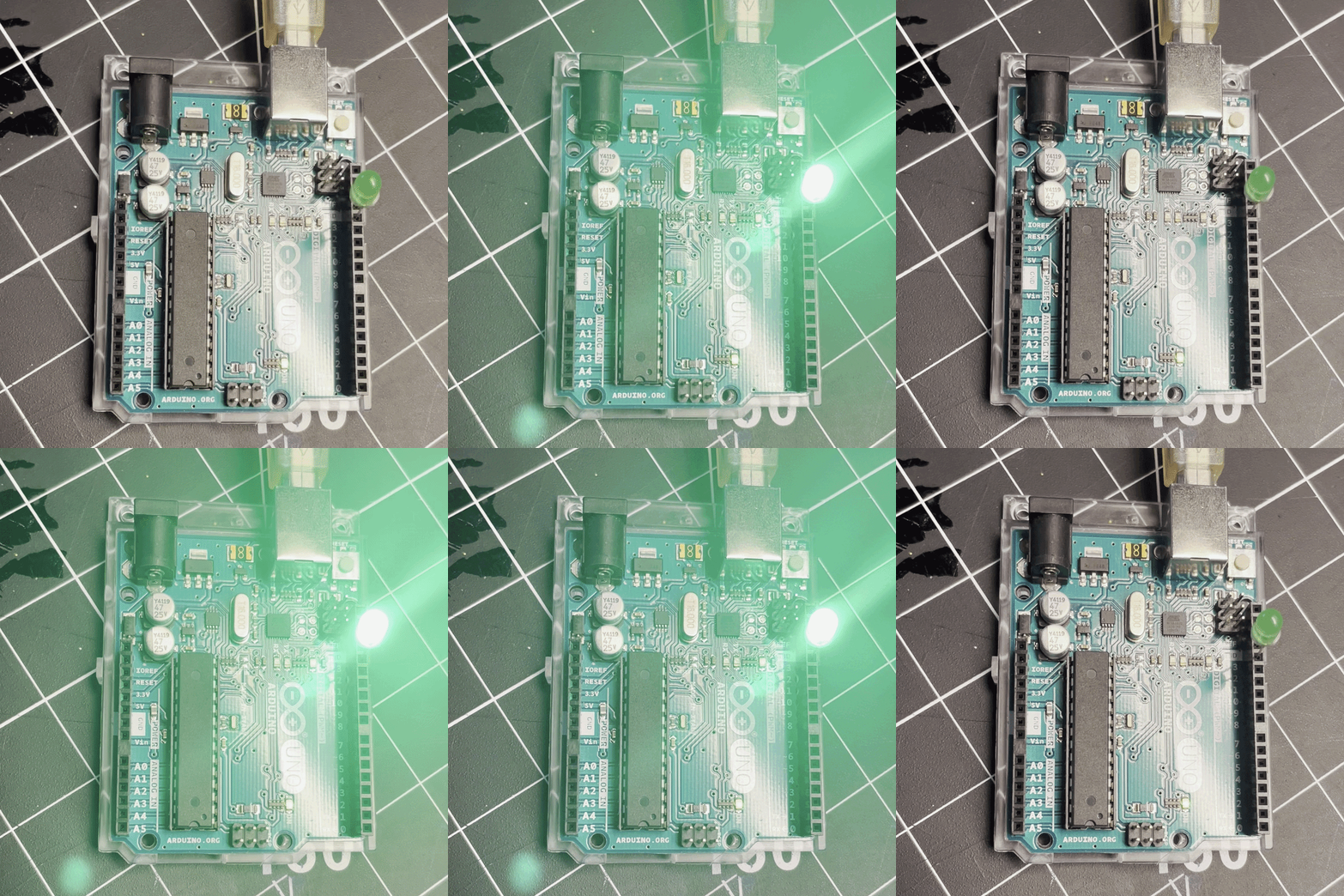
this photo shows the step of getting the Audino hooked up and the Audino software downloaded A snapshot of the example Code we used for the blinking exersize, I have not developed this further yet but plan to in the coming weeks A snapshot showing a working LED inserted into the Audino. This pinslot doesn't require a resistor but I will have to learn how to use resistors this semester. A short Gif of the 'blink' code working with just the built in LED A short Gif of the 'blink' code working with an additional LED inserted into pin 13

Activity 2

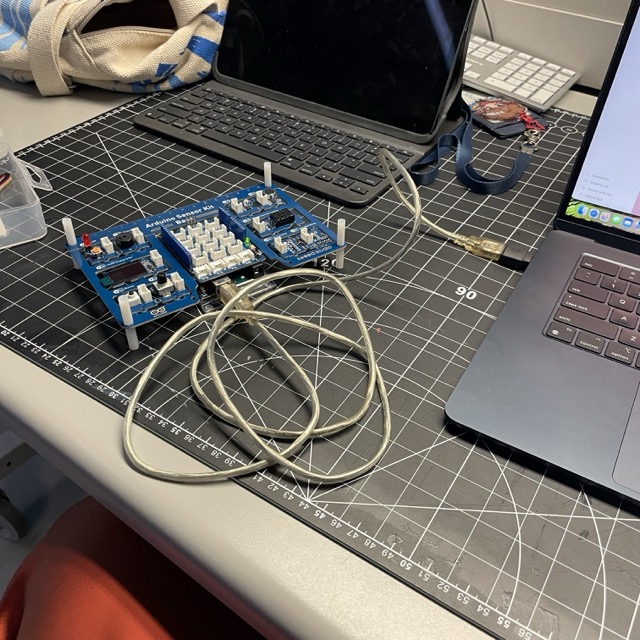
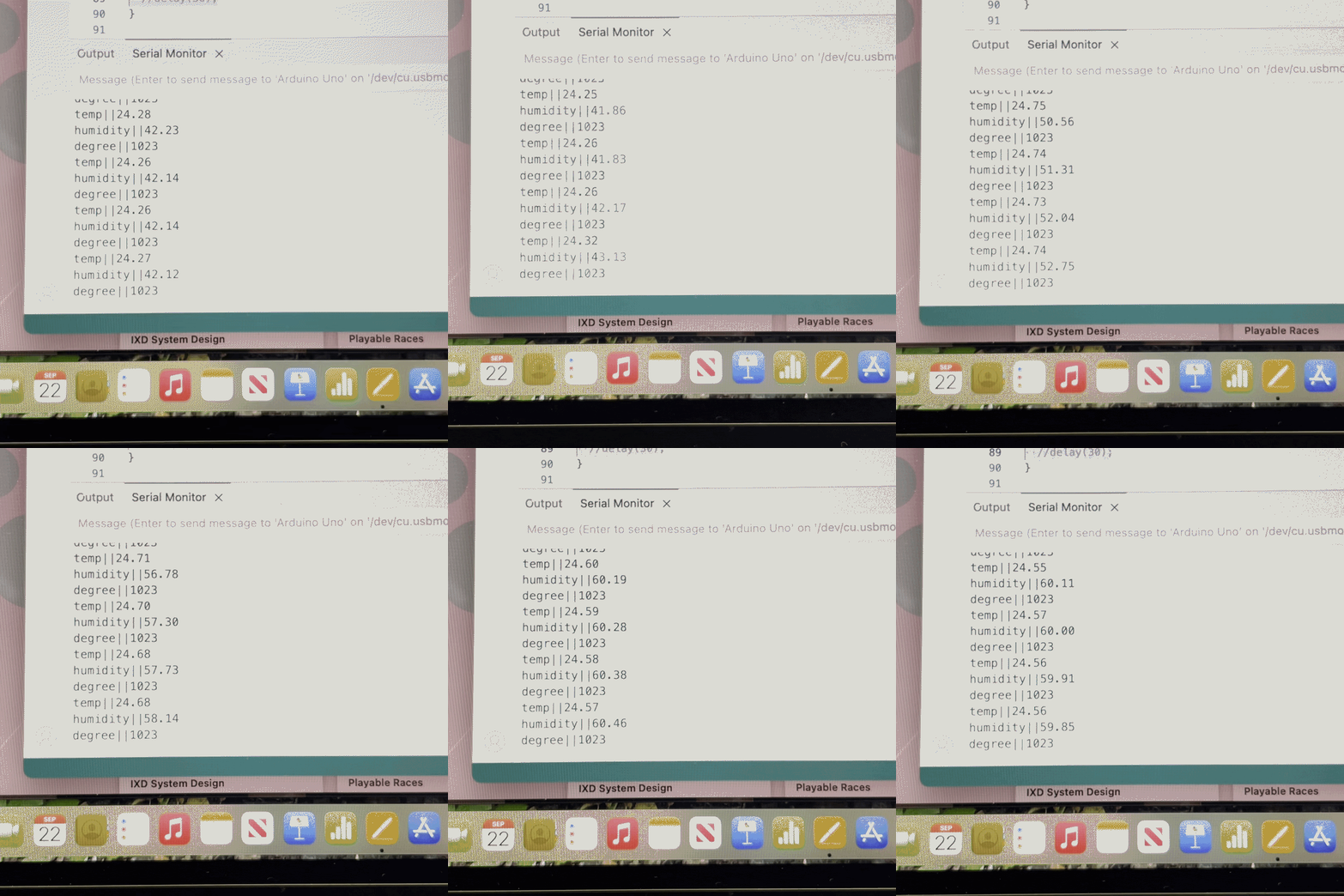
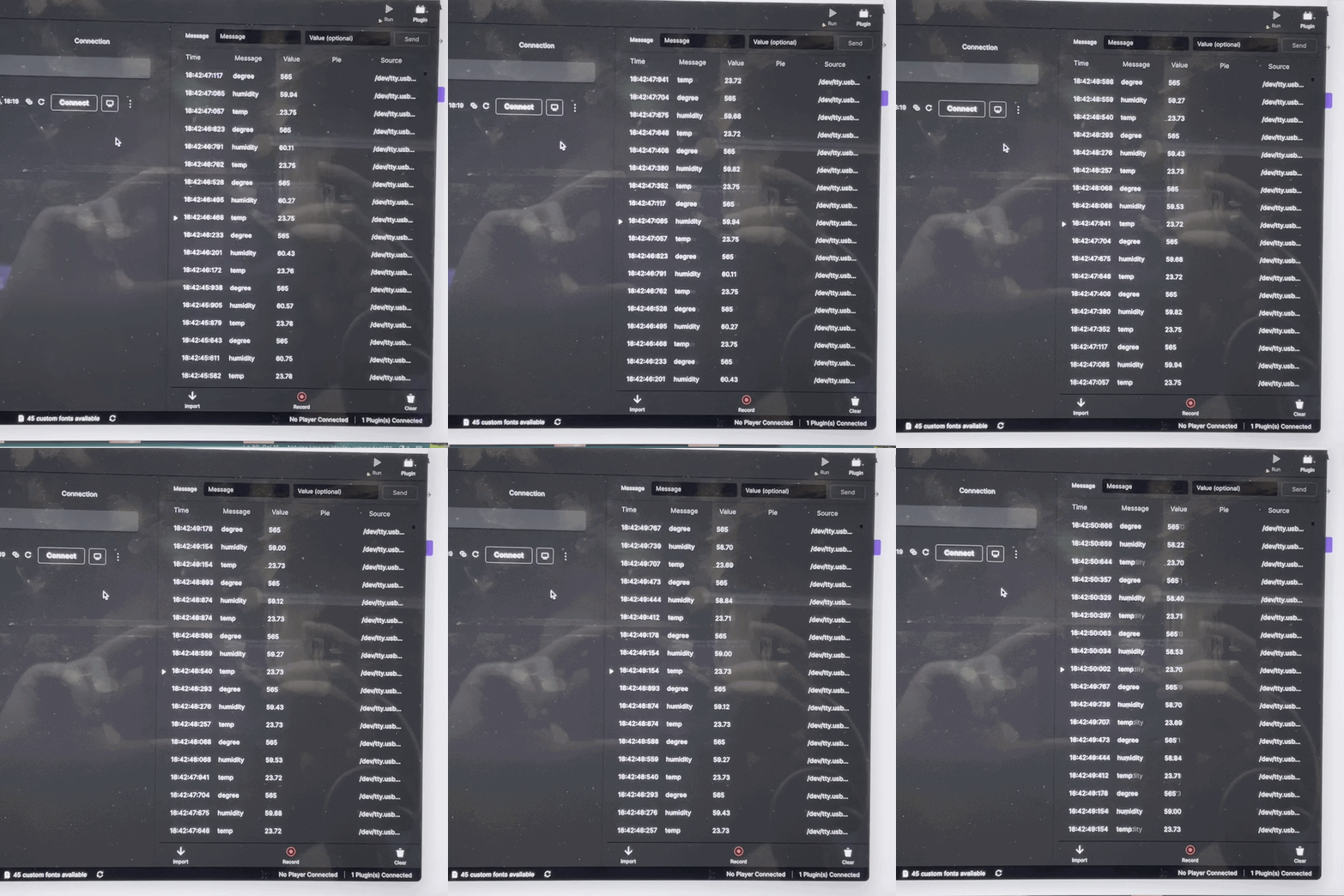
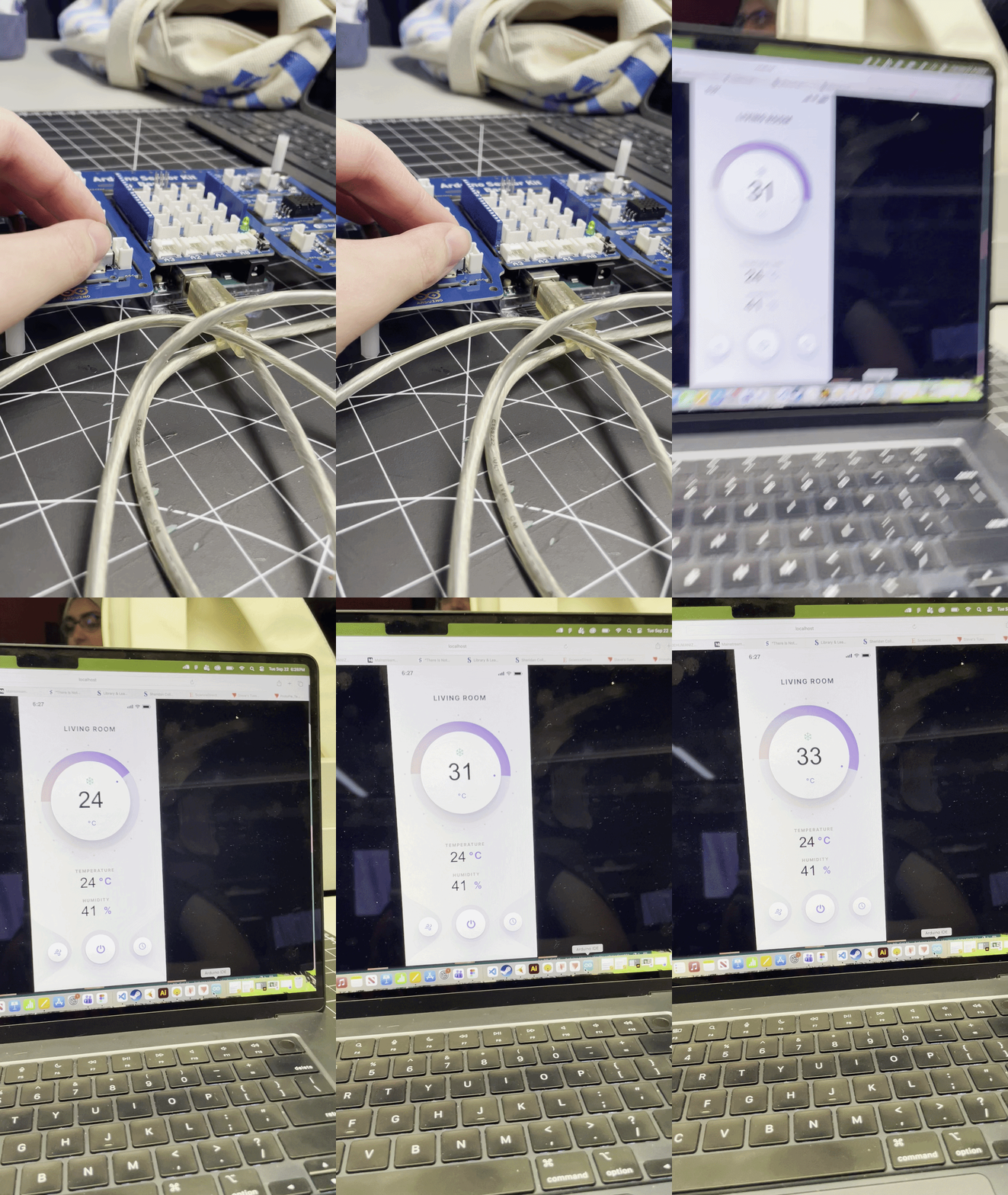
A snapshot of setting up the full Audino sensor kit, simpler than one might think. One problem I ran into was that I have two adapters from the same company, one works with the audio and one doesnt, it's a coin flip whenver I set up. A short gif of the serial tracker running in the Audino set up, once I figured out the adapter issue, This wasn't a problem at all A short video of the recordings from the Audino sucessfully being read in Protopie Connect A short video of me changing the dial on the audino then panning to the desktop display of the screen responding to these changes. I got through this set up process fairly quickly with minimal difficulty. The main challenge was getting protopie connect to cooperate with the protopie app on my phone. A screen recording of the protopie app from my phone once I physically connected my device. The cabel was a bit finnicky which caused reliability issues but it worked other than that. Once I was set up I tried to help the people around me troubleshoot.

Activity 3

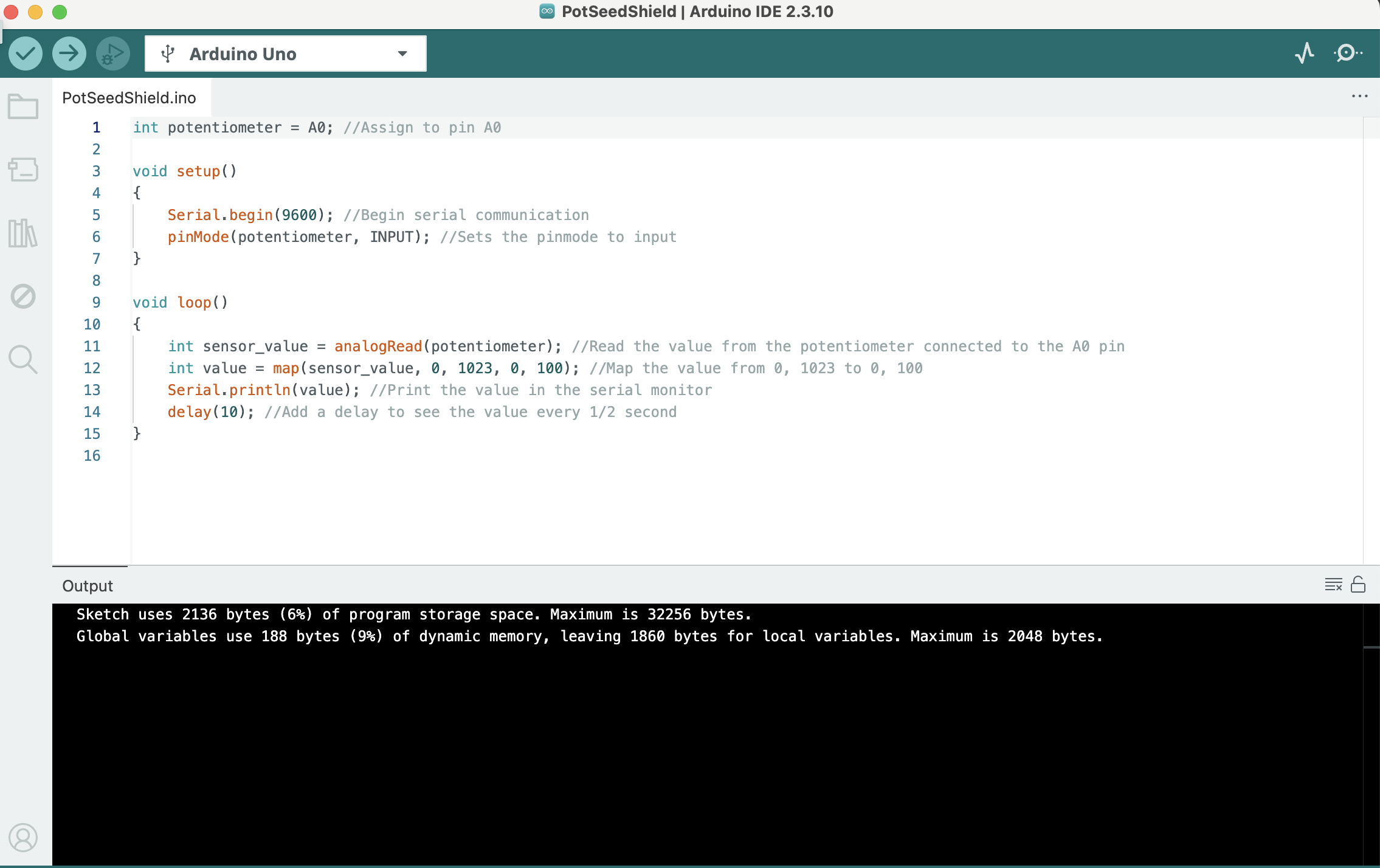
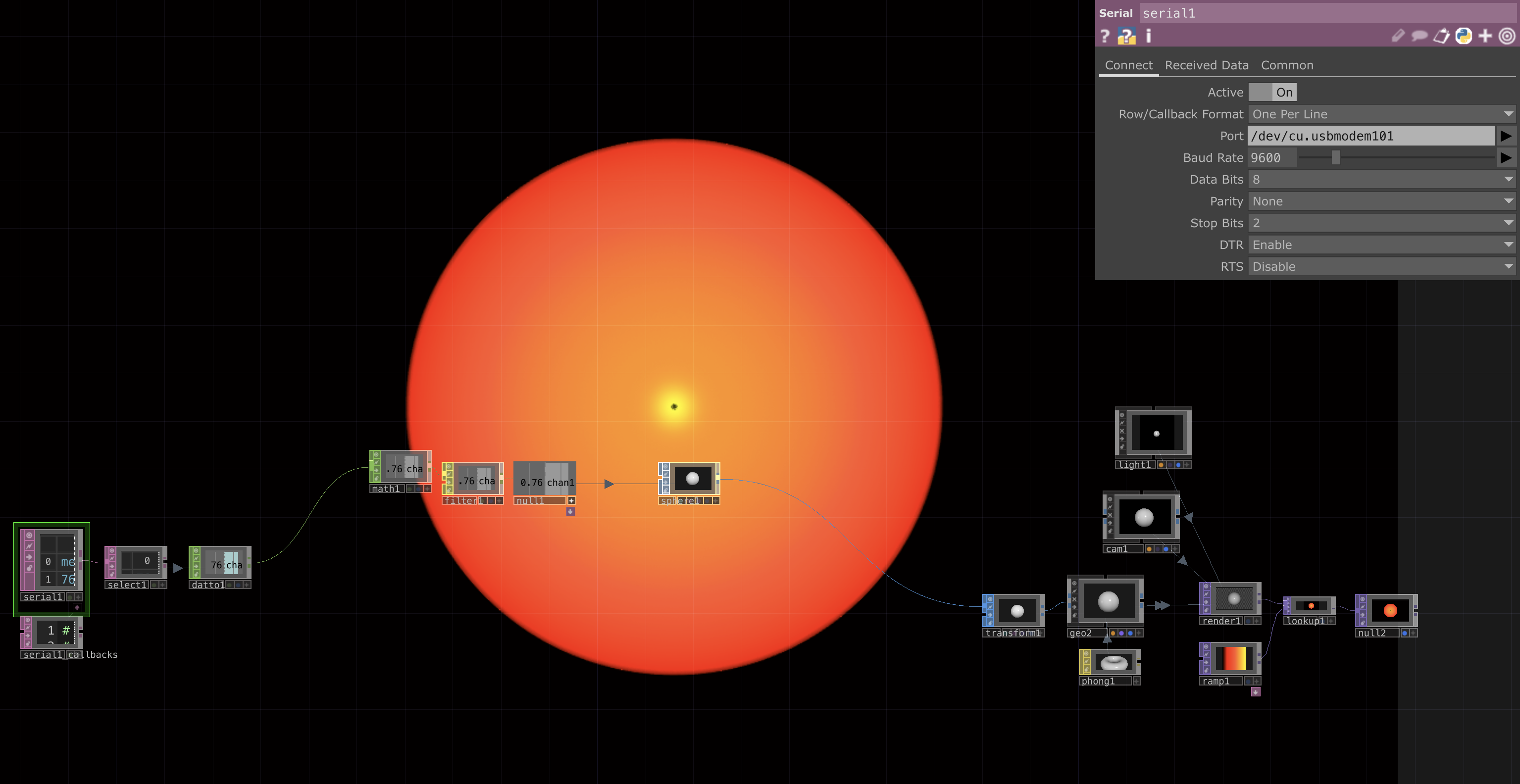
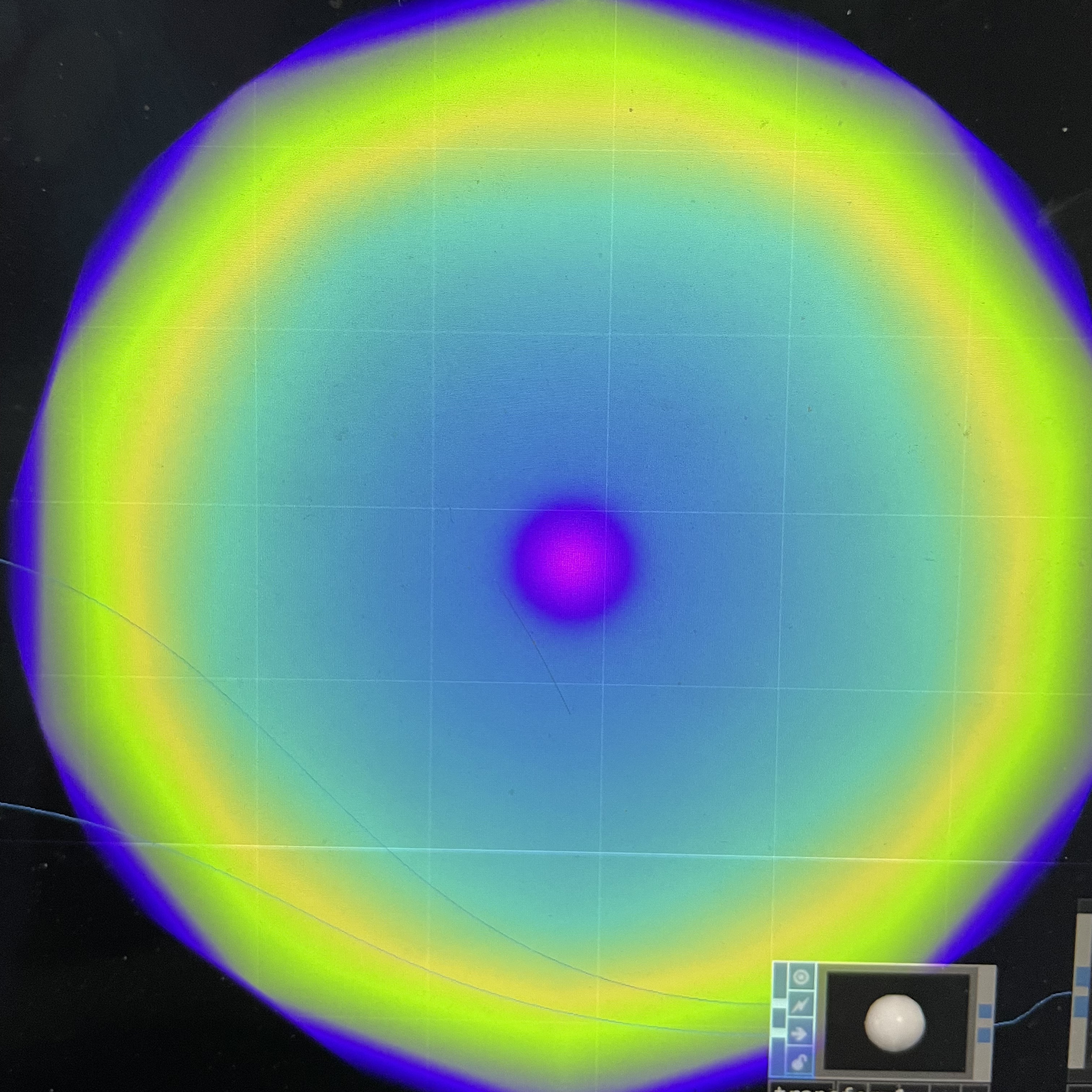
A snippet of the test code we used to run this,it was helpful to go through line by line so we could understand what was actually happening. I went through my old touch designer project as a refresser on what I had done with the software previously and to see if that would spark any ideas for what I could do with even more time and resources. This was just my first bit of looking around and using the Audino to change the size I was playing around in touch designer changing the colours and adding more colours here In this photo I changed the render mode to 'polygon' to get a slightly different look for the shape, I tried changing the shape and rotation but from just preliminary messing around I couldnt quite get it all to line up, and I was already leaning towards not using touch designer for this

Research Activity


Consumer Trend Research

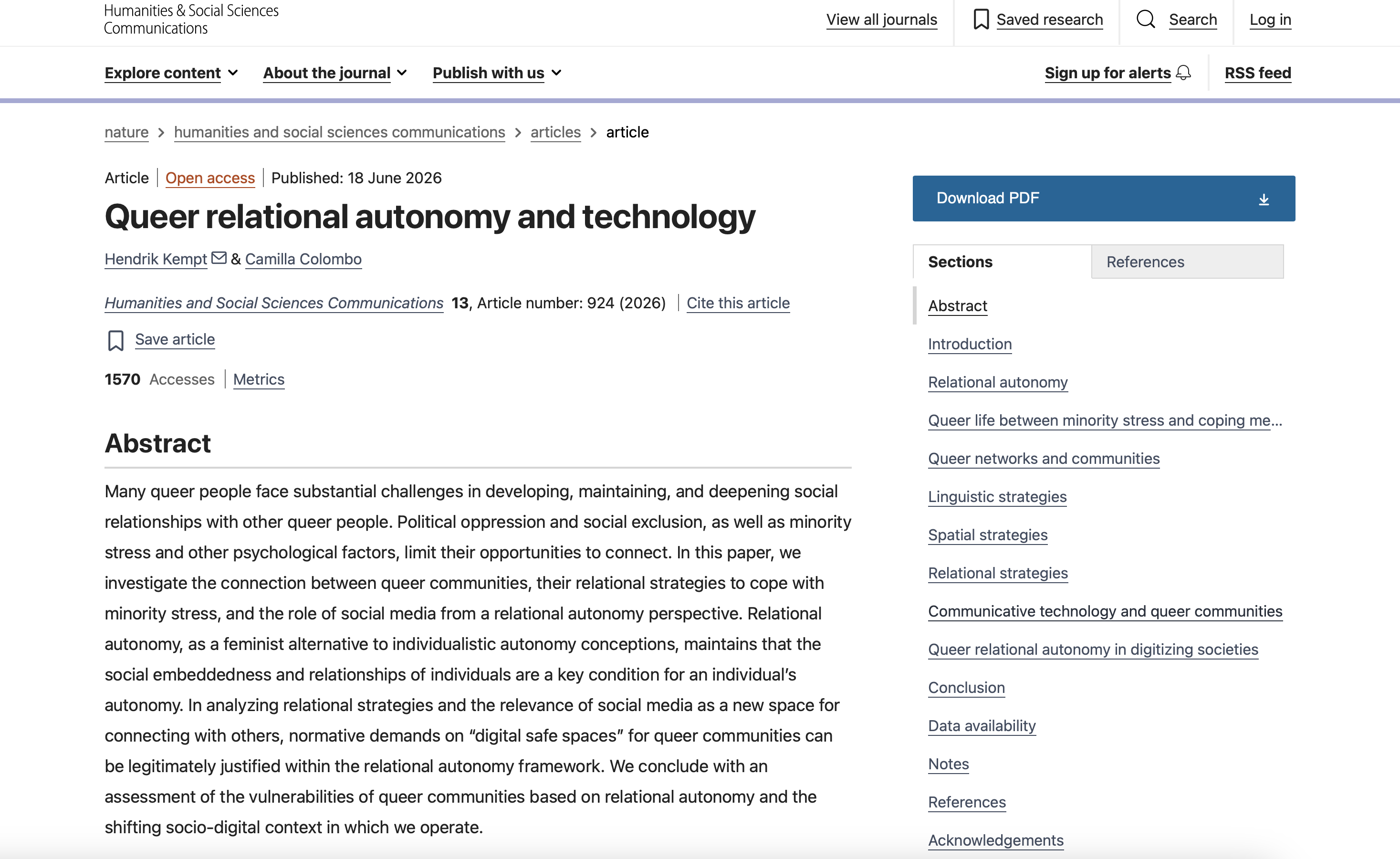
While looking for consumer research trends, I focused heavily on the social impact that new tech like AI was having on gen z, and the relationship tech has with queer people. I had a number of sources, these were just a few.
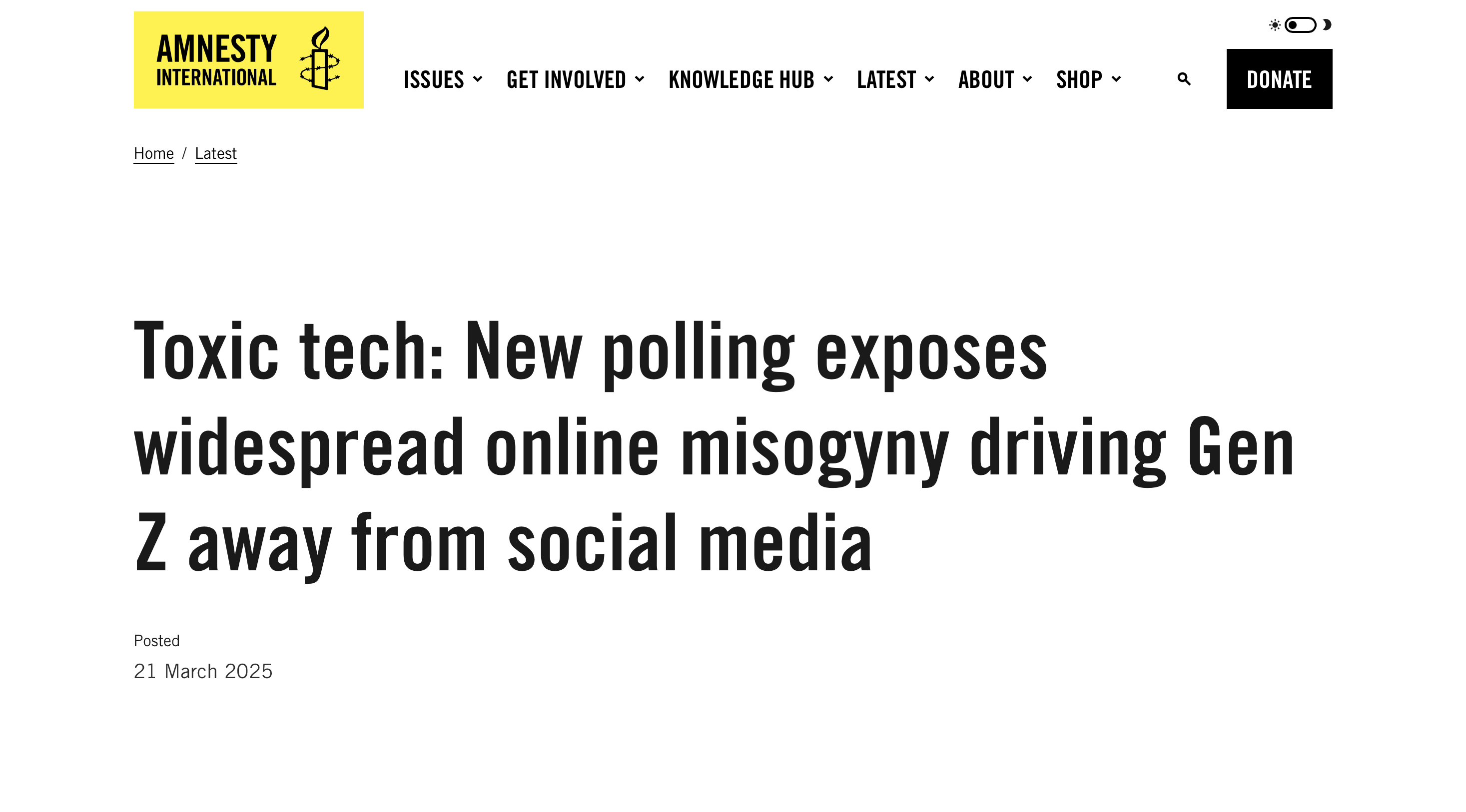
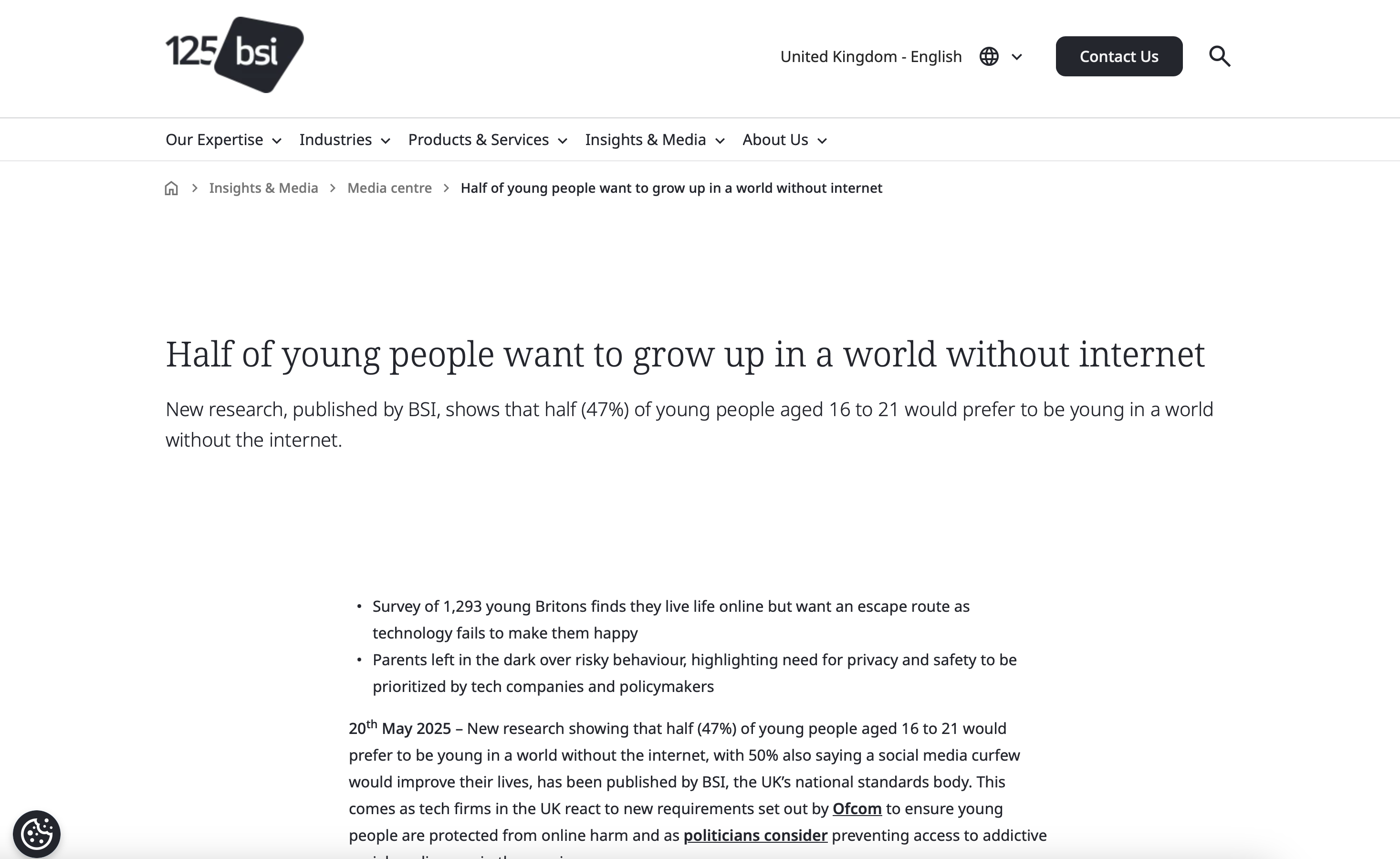
This article talks about the spread of hate and mysoginy in online spaces and how it's affecting my generation, This lead me to think about how our social interacations are shaped by the enviorment and how different barriers allow people to act differently. with how much digital technology is becoming more and more prevelant, people are finding they are burnt out and tired from all the constant expectations and presence of social medial. Again, This had me thinking about how people interact and how people are looking to socialize in person This article talks about how queer comunities are affected by modern technology with their findings pulled from interviews with people. They talk about the connections that people have been able to make through technology, finding communities that support them and friends even when theyre not in big city centers, but it also brings up the problem of staftey when all of our data is being sold to the highest bidder and anti queer sentiments are on the rise.

Personas Research

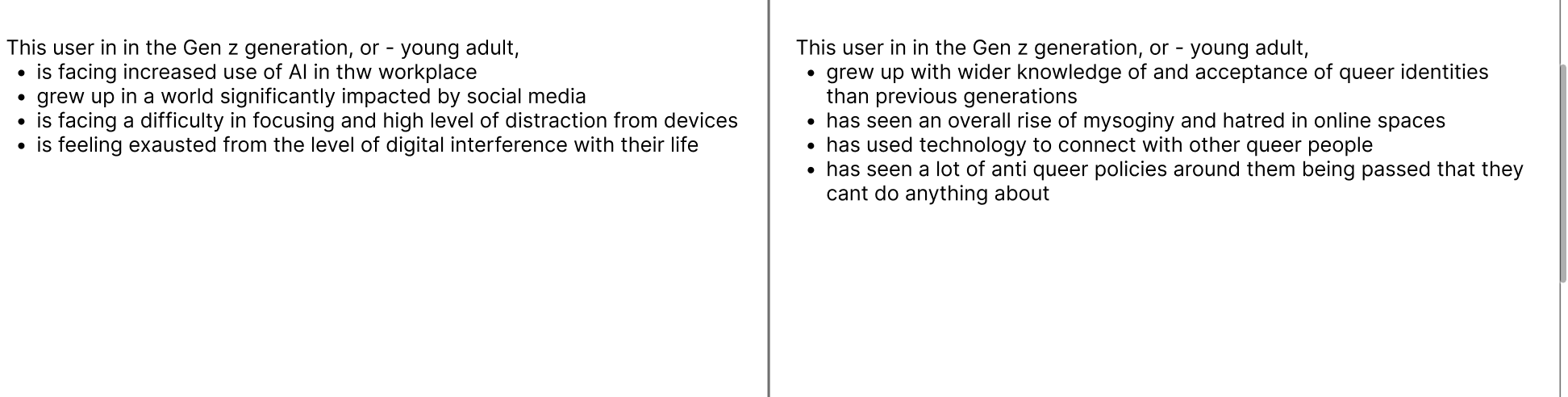
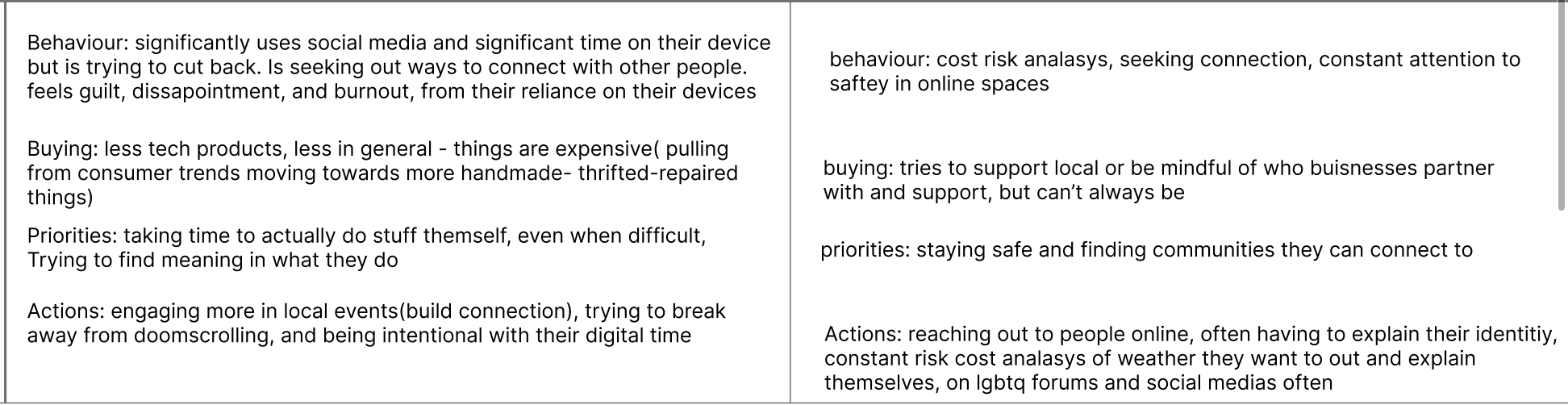
Both my persona's were gen z but differed in their goals, actions, and outlook on the world.
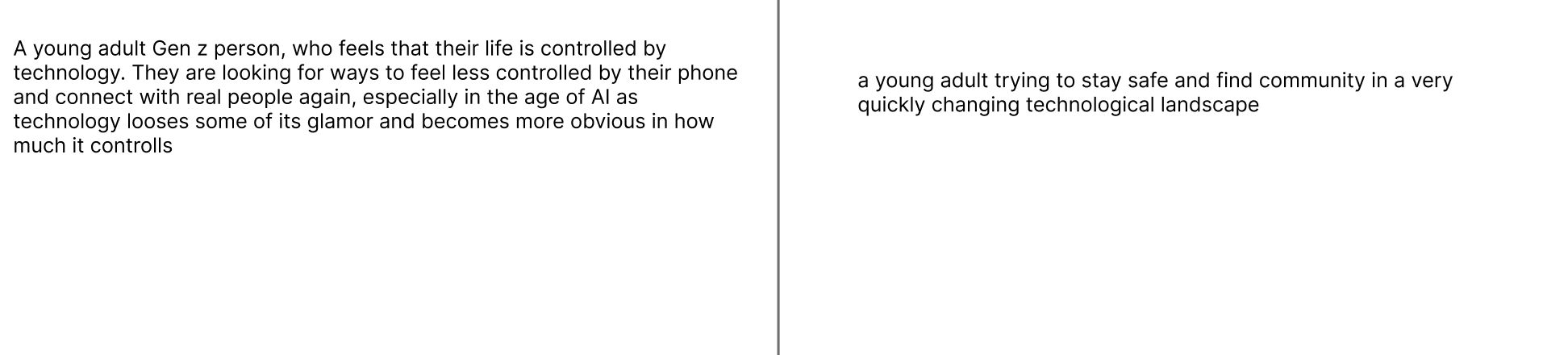
this is the overview for each of my two persona's These are the generational impacts, they are both gen z but appear slightly different because of the research they have been based on Their actions and behaviours are similar, both struggling with connection, but what makes it different is how they are going about seeking that connection and the risks they have to consider.

HMI Research

Through my HMI questions, while I was trying to be fair and consider them evenly, I found myself already much more intrested in one direction over the others.


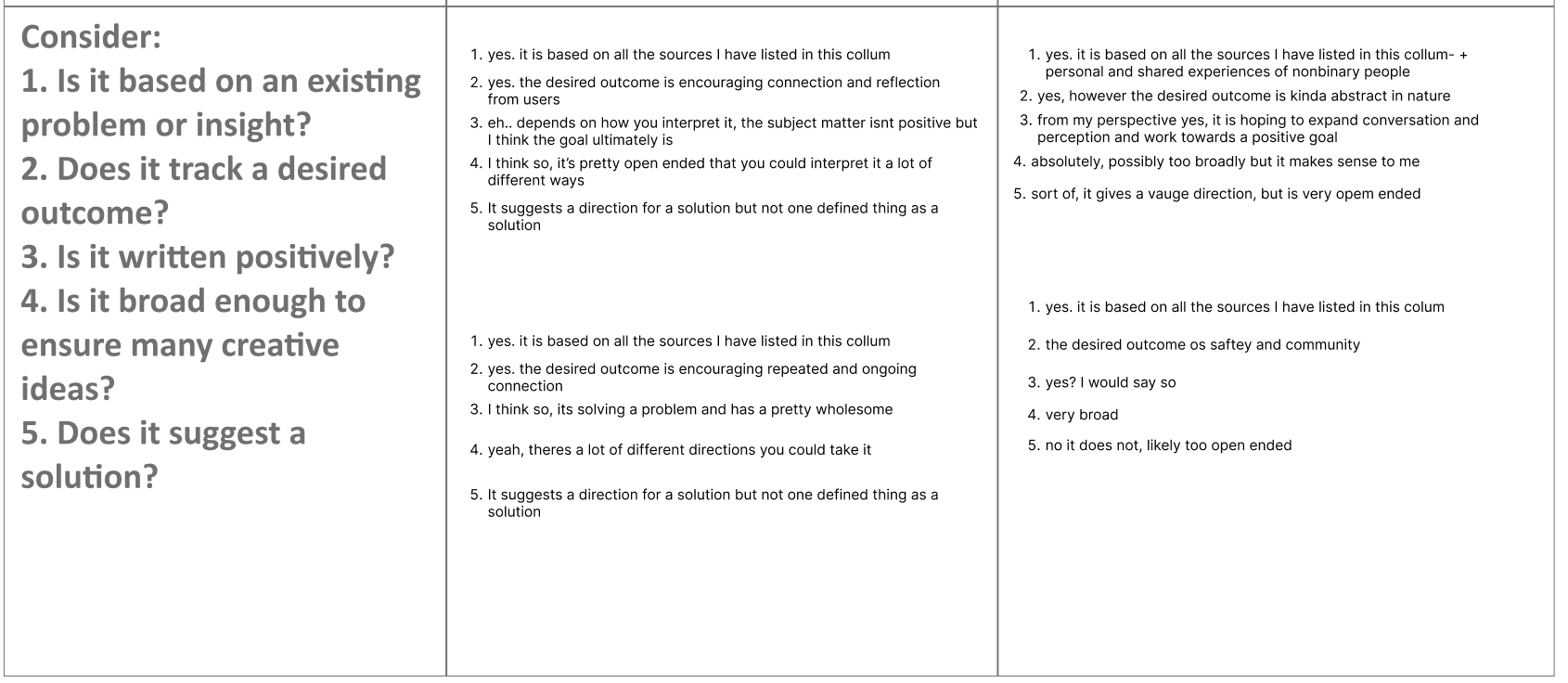
these were the main problem areas I was intrested in exploring more for each of my paths the How Might I questions were all things I was somewhat intrested in exploring, some more than others, all were things I had found and supported from my research though. This is my support of where my HMI's could lead to a range of ideas but were still structed properly.

Project Path

After all my research I had a pretty good idea of what I wanted to do for my project, combining a few of my HMI questions into one bigger idea, so I spent some time ideating different ways I could take that project.
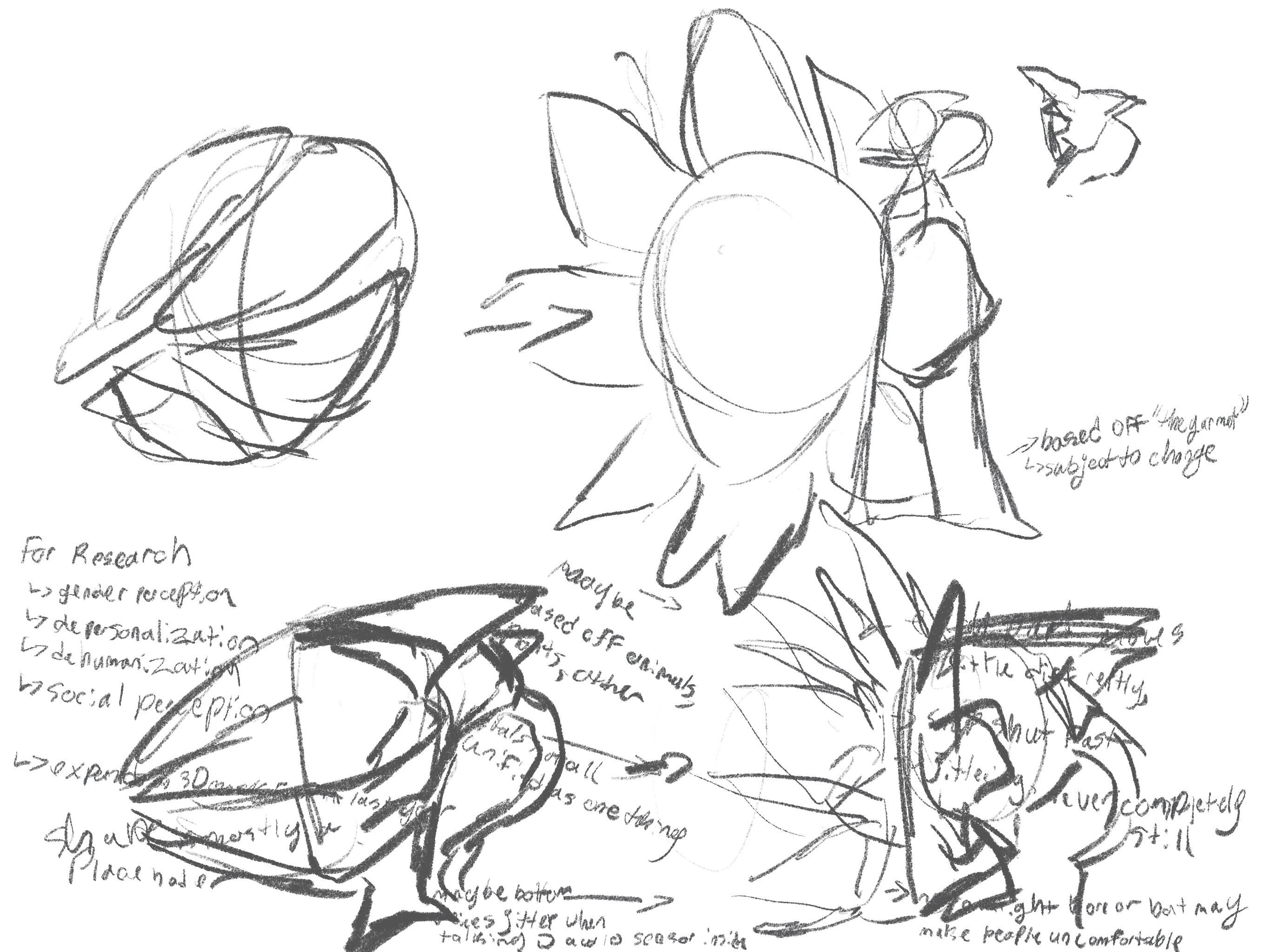
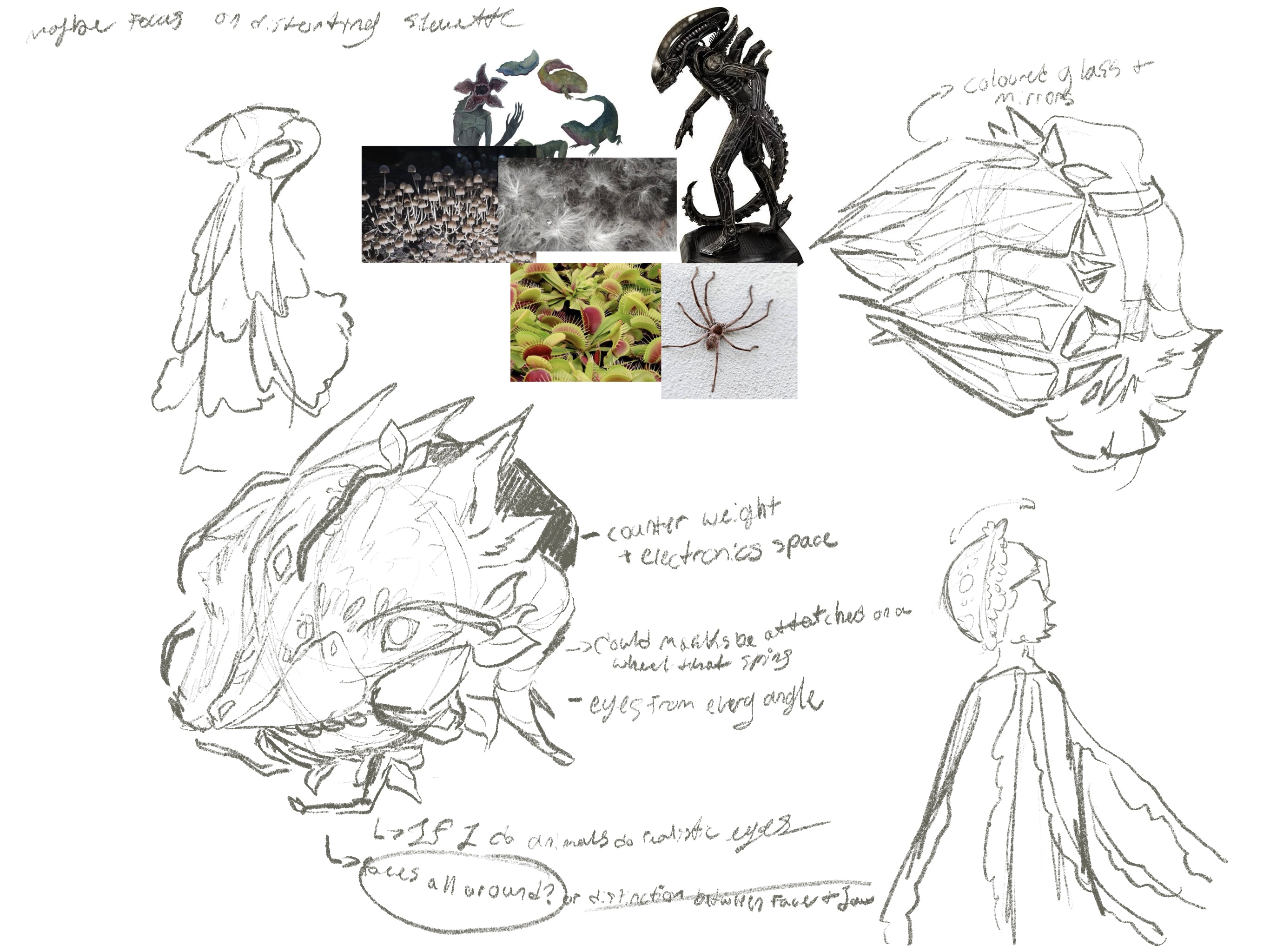
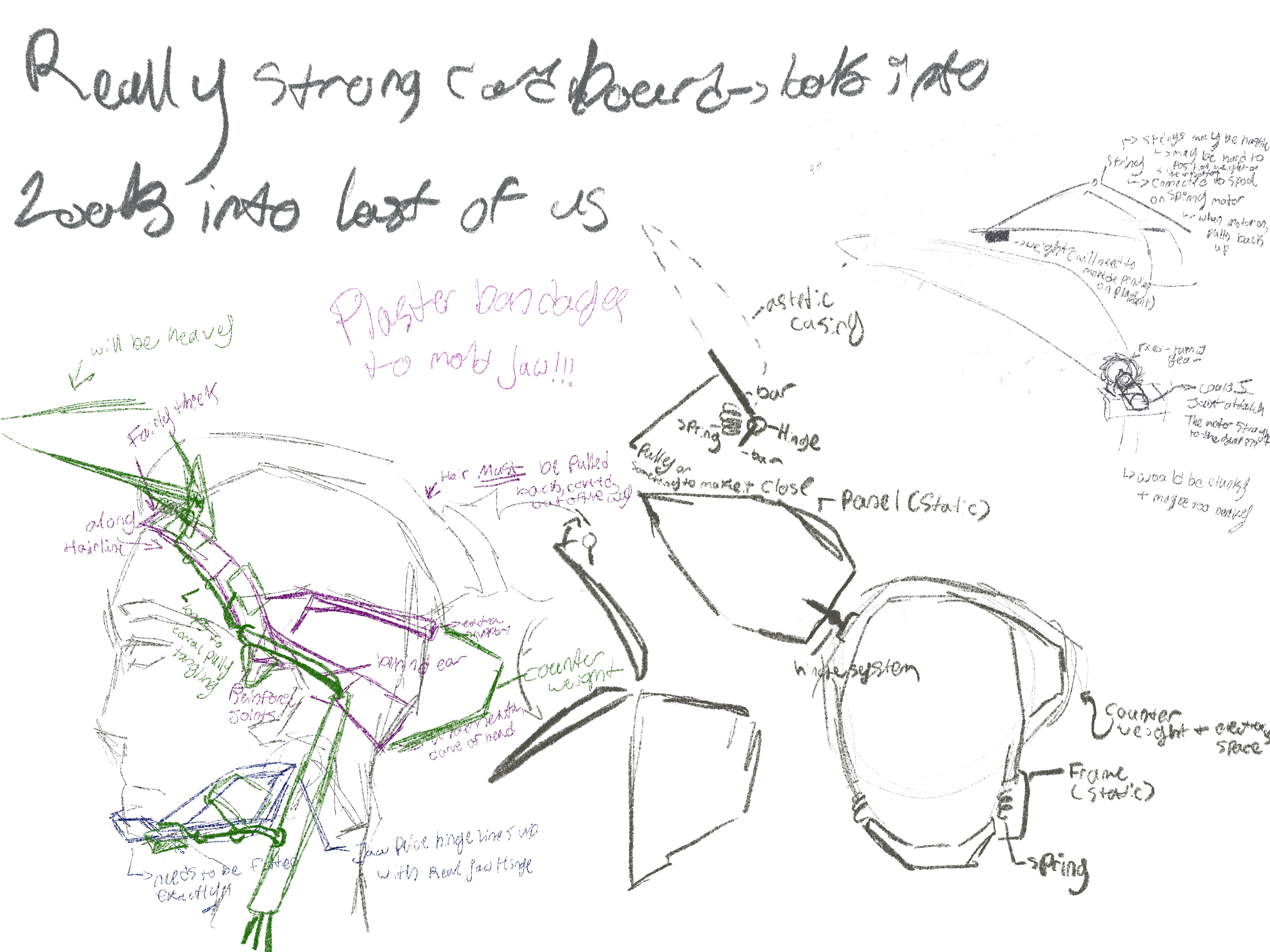
this is the start of me playing around with a moving mask and considering how that may appear In this sketch I am looking at different astetics and how that may come across, I also spent some time considering other movement options here In this sketch I am looking at how a mask like this may function and what I would need to make it move while considering if this should be an individual or group project

Project 1 Concept


Project 1 Concept

I am following down the art path and creating a moving mask that opens and covers the face, controlled by some sort of sensor. The goal is to have the outside be very abstract and the inside possibly use mirrors or some sort of relfective surface to warp the user's perception of the face.
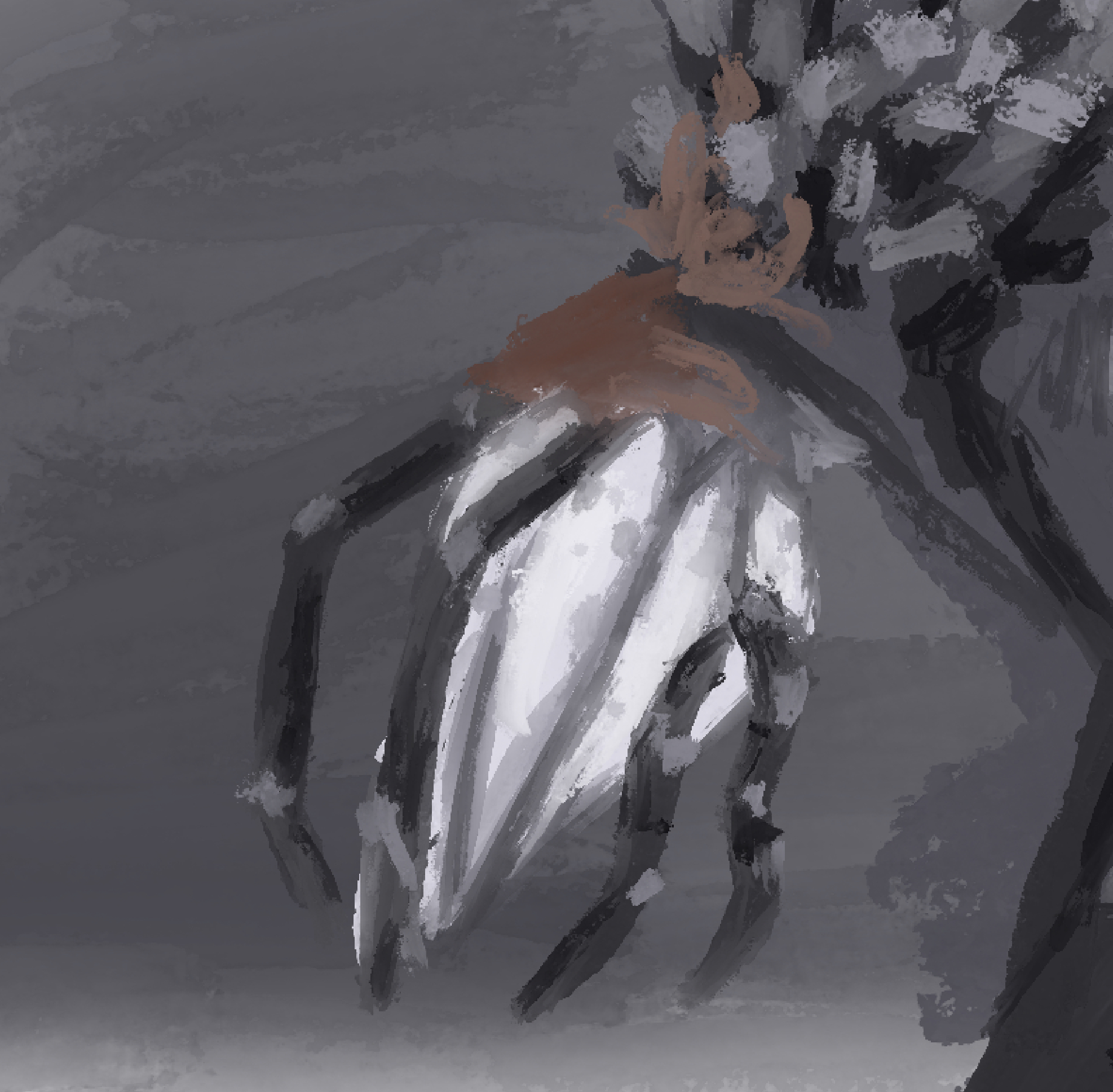
This is just an inital Ideation sketch, the final astetics will change significantly
×

Powered by w3.css